
Build a little 3D world with Astra.
This is a suggested small-project workflow for Astra in Codex. OpenAI’s official game-building article demonstrates Astra working in Codex on game environments and assets. Here, start with one island and one goal rather than a large world.
On this page
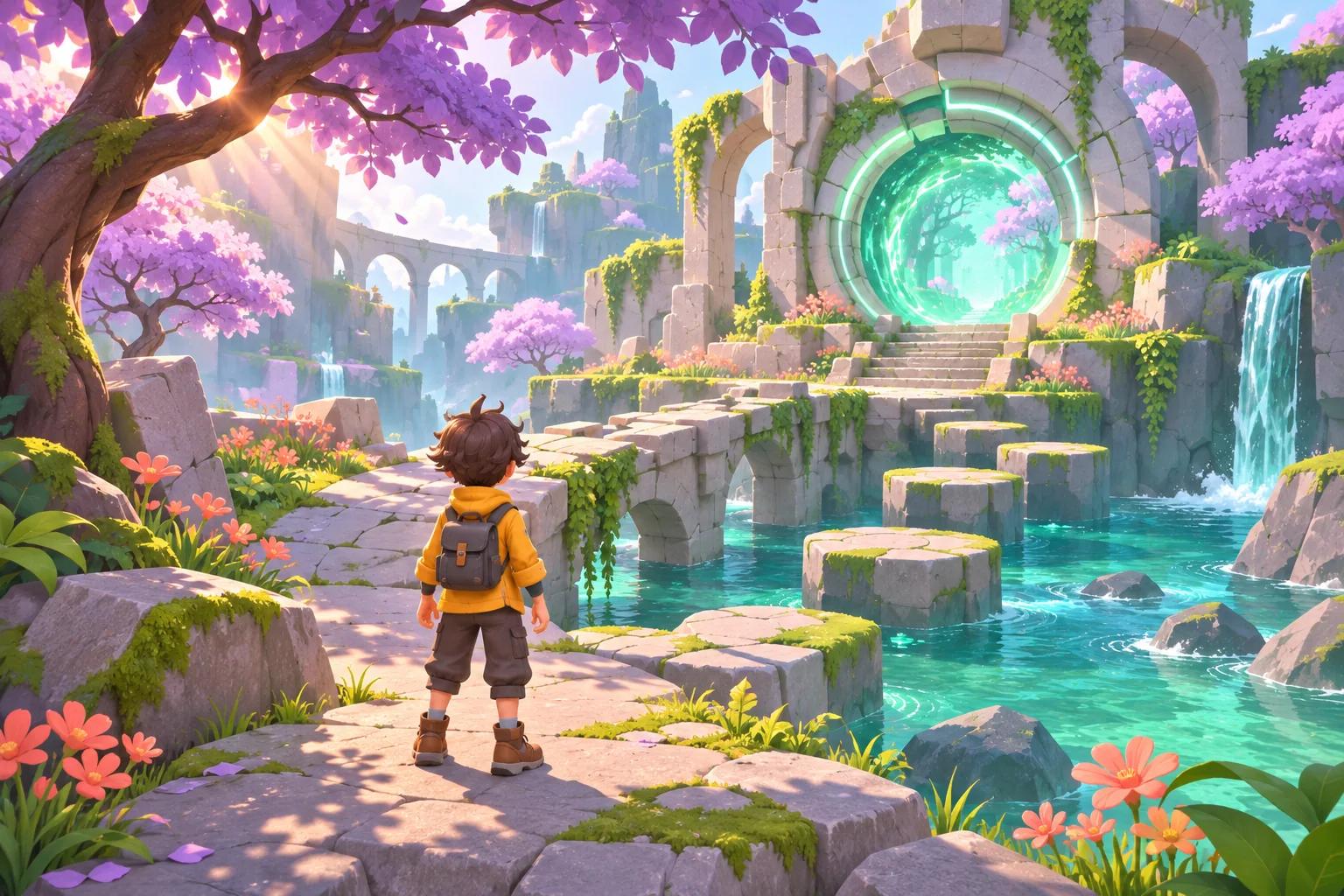
1. Start a Codex project with Astra.
Open your project in Codex and select Astra where it is available in your account. If you are new to Codex, start with the official quickstart. Model access and names shown in the picker depend on your account.
Give the agent the existing project context and a short visual brief. If you already have an engine project, continue with that project rather than changing engines for this guide.
Official OpenAI game-building guide2. Give the world a playable purpose.
Choose a starting point, a visible destination and one interaction. A nice view becomes a prototype when the player can understand where to go and what to do.
Build a small third-person exploration prototype in this project. Use the existing engine or stack. If the folder is empty, propose a minimal browser-based 3D setup.

The player starts on a small island and reaches a visible glowing portal by crossing a short route. Include simple movement, a readable follow camera, collisions and a clear finish state. Use original placeholder geometry.

Art direction: pale stone, mint foliage, lavender trees and warm daylight. Keep the destination visible from the start.

Support keyboard controls and touch controls in portrait orientation. First build and test the movement-to-portal loop. Then improve the look without breaking that loop. Do not add unrelated systems.3. Review one view at a time.
Use screenshots of your own build to point out camera, composition and readability problems. Describe what the player needs to notice, then check the change in motion.
- Make the destination distinguishable from decorative lights.
- Keep the character visible near walls and corners.
- Test the route on a narrow phone screen.
- Check the published build on the devices you plan to support.
Review the current portrait-phone view. The character and portal should stay readable while moving. Improve the camera framing and touch-control placement, keep the existing route, then test reaching the goal and restarting.Official resources
Use these resources for tool setup, APIs and model availability. The prompts above are original Playtagon starting briefs for a small, step-by-step project.
Sources checked 21 November 2026.
Ready for a first playtest?
Learn how to package your ZIP and host it on Playtagon.
Publish your demo